Holiday posts that do not feel last-minute
Mother's Day and the local festival fill up early. A short holiday calendar an independent restaurant can actually keep.
Two weeks out is the useful post
The post that helps is the one a guest can still act on. For a reservation holiday, that is usually about two weeks before, not the morning of.
Day-of posts still matter. Use them for "we are open," "we are booked," or "we still have walk-in seats from 2 to 4." Do not use them to announce a set menu nobody can book anymore.
Say the facts a guest is hunting for
People are not looking for a poem about togetherness. They want the practical details:
- The date, and your hours that day.
- Whether there is a special menu, and what it costs if you already know.
- How to reserve, using the same phone number or link you use the rest of the year.
- What is already full, so you do not spend the day saying no.
If the menu is not finished, post the hours and the booking link first. Add the dishes when they are real. A correct short post beats a pretty one you have to take down.
Dates worth putting on a wall calendar
You do not need a post for every greeting-card holiday. Mark the ones that change your book:
- Valentine's Day, Mother's Day, and Father's Day
- The week of Thanksgiving, Christmas Eve, and New Year's Eve
- Your city's one big weekend, whether that is a fair, a marathon, or graduation
Add anything you already cook a special for. Skip the rest, or post a normal dish that day and leave the holiday out of the caption.
Check the date against your actual hours. A holiday that falls on your closed day only needs one line: you are closed, and here is the next time you are open.
Do not announce a menu you cannot cook
If the lobster is a maybe, it does not go in the post. Guests screenshot these. Your staff will hear about it at the door.
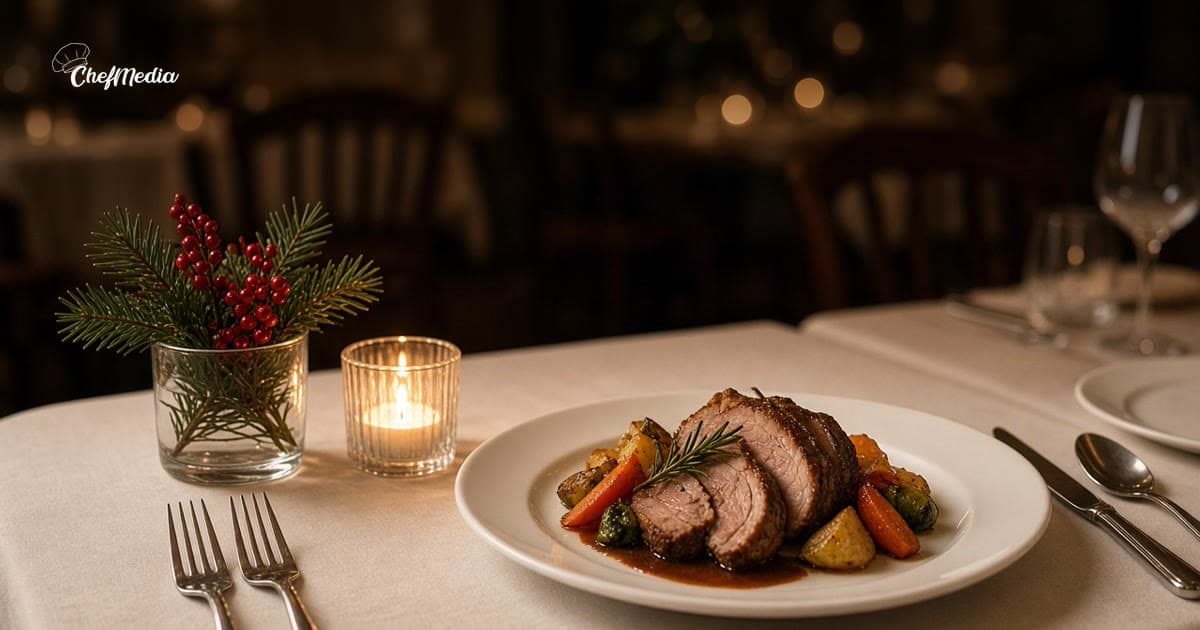
The photo can be a dish you have plated before, as long as the caption matches what you will serve. For how to shoot it quickly, see restaurant photos that make people want to come in.
Put the useful post up in the afternoon, while people are still making plans. When to post covers the rest of the week.
A reminder the day before
The day before, one Story or a short feed post is enough. Repeat the hours and whether you still have tables. If you sold out, say so. It saves your hosts, and it makes the room feel worth planning for next time.
On the ChefMedia calendar, US holidays show up with a short idea of what to post. The ones in the next two weeks are called out so they do not sneak up on you. The idea is a starting point. You still say what your kitchen can actually do.