How to announce a new dish so regulars actually come try it
Tease it before launch, post the real plate the day it is on, and say the name, the price, and when they can order it.
They already eat here. They still need a reason tonight
A regular walks past on the way home. They ate here last month. They will not detour tonight for a dish they cannot picture, unless you tell them what it is, what it costs, and which nights they can order it.
"New menu item" does not answer that. A dark photo of a sauce does not either. By the time they are home, dinner is already decided. The post has to land while they can still change the plan.
Say the dish, the price, the window, and show the plate
Look at the plate you will actually send, not the idea from the menu meeting. Write one line for each thing a regular needs before they turn around.
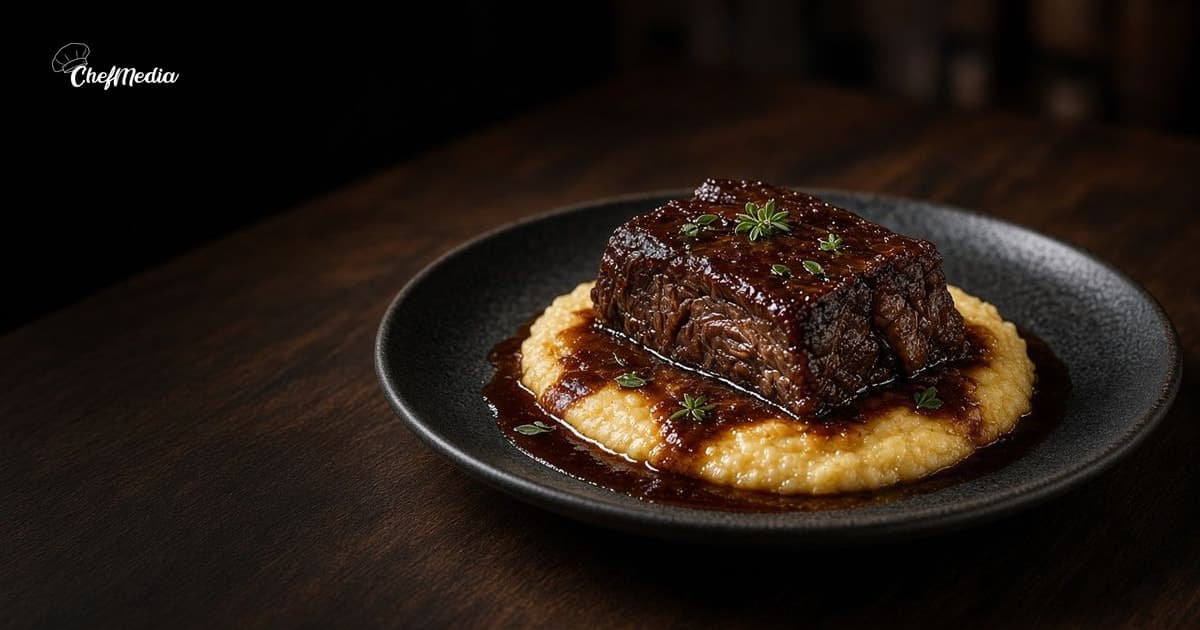
- The name, the way it is printed. "Short rib over polenta" beats "a new comfort dish."
- The price on the check. If you would not say the number at the door, do not put a different one in the caption. How to show the price before they arrive is the longer habit.
- When it is on. "Starting Thursday, through Sunday dinner" is a plan. "For a limited time" is not.
- That the photo is this dish. Say so, so nobody reads last week's pasta as the new plate.
A caption that can go out as written, on the day it hits the pass:
Short rib over polenta starts tonight. $24. On through Sunday dinner, while it lasts. Walk in, or call and we will hold a table.
That is the launch post. The photo is the plate you will serve, shot the way it leaves the kitchen, not a stock image and not last month's special. How to shoot that plate on a phone is the habit. The food should fill the frame. A regular should be able to name the dish from the picture alone.
If it is only at dinner, or only at the bar, say that. Do not invite a lunch walk-in for a plate the kitchen starts at 5.
Tease it, then say it again while it is still true
A few days before the first night, one short post is enough. Name the dish and the day it starts. Skip the speech. People who already eat with you can put it on the week.
Thursday: short rib over polenta, $24, through Sunday. On the pass that night.
On launch day, post the clear photo and the full line: what it is, the price, and when it is available. When to post is the longer clock. For a new dish, send it while someone can still decide to come.
A few days later, while it is still on, post once more. Use a guest who ordered it, or a cook or server who ate it, and words they actually said. If the photo is a guest's, ask before you share it. How to reshare a guest photo is that ask. A follow-up that can go out once someone has really tried it:
Short rib is still on through Sunday. $24. A server ate it before the rush and has been telling the next table to order it.
That is the run: one tease, the launch-day photo, and one reaction a few days later. If it stays on the menu, mention it the way you mention any other plate. If it was a one-week special, the last mention is the last night it is true. Keep talking about a dish you already sold out, and the next announcement gets less trust.
The feed post is not the menu. The same day it hits the pass, add it to the menu you hand people and to the menu on your Google Business Profile. How to update that profile is the menu editor. Those edits are not instant, so put the dish in before the night a stranger needs to find it. When you take it off the pass, take it off the printed menu and off Google too.
Do it before the first ticket
You can finish this before the dish ever leaves the kitchen.
- Write the menu name, the price on the check, and the days it will actually be on.
- A few days out, post the tease: the name, the start day, and the price if you already know it.
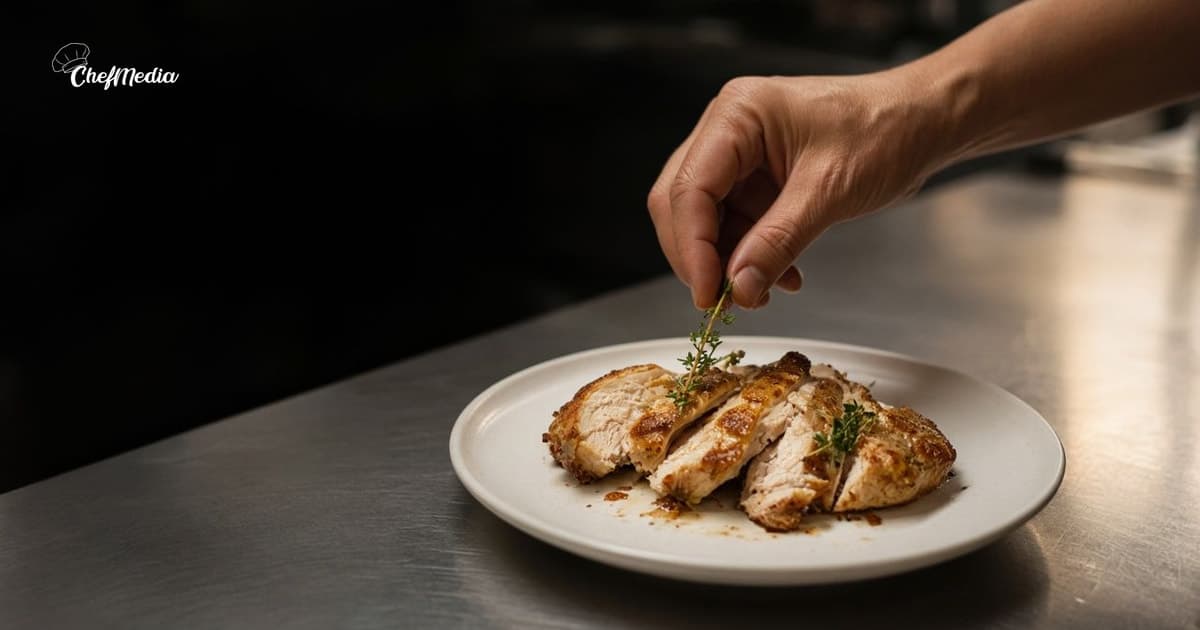
- On launch day, take five frames of the real plate. Choose the one where a regular can tell what they are ordering.
- Tell the floor what you promised. If a cook knows it will be gone by Saturday, trust that before you promise Sunday.
- A few days later, one reaction from a guest or from the staff, only while the dish is still on.
- Put it on the printed menu and on Google. Take it off both when you stop cooking it.
What to leave out
A new-dish post fails in a few familiar ways:
- "Something new this week" with no name, no price, and no day. Nobody can plan around a mood.
- A photo of a different plate, or a dark shot where the food is a smear. They came for what they saw.
- A price that is not the one on the check, or "limited time" with no end.
- A launch-day post after you have already sold out.
- A quote you wrote for a guest, or a guest photo you did not ask to use.
- The same announcement every day for a month. After the tease, the launch, and one follow-up, it is a menu item or it is over.
- Leaving it on Google and on the menu after the kitchen stopped making it.
- A dinner plate posted as the lunch board or happy hour. Those are different clocks. Lunch specials and happy hour each have their own post.
If the dish is not on the pass, do not announce it. The regular who shows up for it will trust the next note less.
One clear announcement
You are telling someone who already eats with you what the new plate is, what it costs, and when they can order it, early enough that they can still come.
Tease it before launch. On the day, post a clear photo of the actual plate and say the name, the price, and the window. A few days later, one real reaction. Keep it on the menu and on Google for as long as you cook it, and stop mentioning it when you stop.
If the blank caption is what stalls you, ChefMedia is an SMS-first AI marketing manager for restaurants. Text it a photo of the plate and it drafts and schedules the post. It is $79/mo after a 14-day free trial with no card. You still decide the name, the price, and the days it is actually on. A draft does not know you sold out at 7.