Split the week's posts across your restaurant team
Hand the week's Instagram and Facebook posts to named shifts: kitchen, floor, and one calendar glance from you.
The feed stalls when every post waits on you
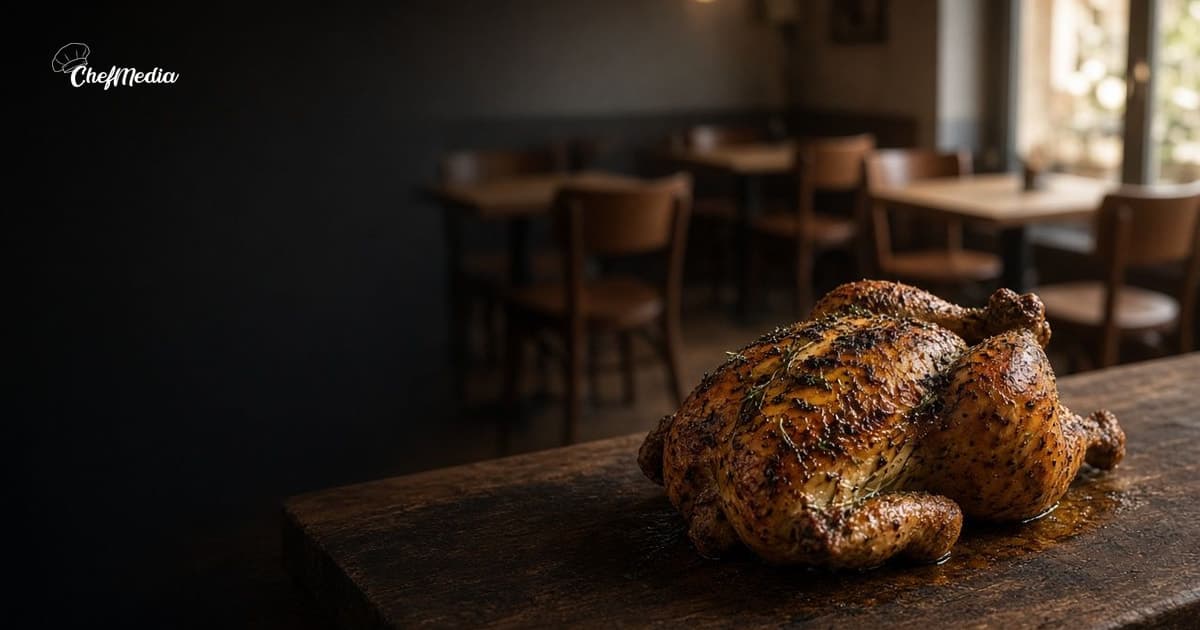
You can take a good photo. The week is the hard part. Monday you shoot the special. Tuesday you are on the line. Wednesday you mean to post and the ticket rail is full. By Friday the picture is still on your phone, and the feed is last week's plate.
The kitchen was prepping. A server was pouring. The host watched the room fill. None of them posted, because the account still feels like your job. A note that says "everyone should grab something" has no name on it, so the work comes back to you.
What a cook can shoot is its own habit: behind-the-scenes posts. What a server or host can shoot is another: moments from the floor. This is how those two jobs share one week, so you are not holding both phones.
Write four lines on the schedule
Do it before the week starts, on the same sheet as the shifts. A name, a day, and the kind of photo. Stop there. Save the caption for the person who takes the picture.
Four posts is a full week for a dinner restaurant. Three is enough. A post every day is how people quit.
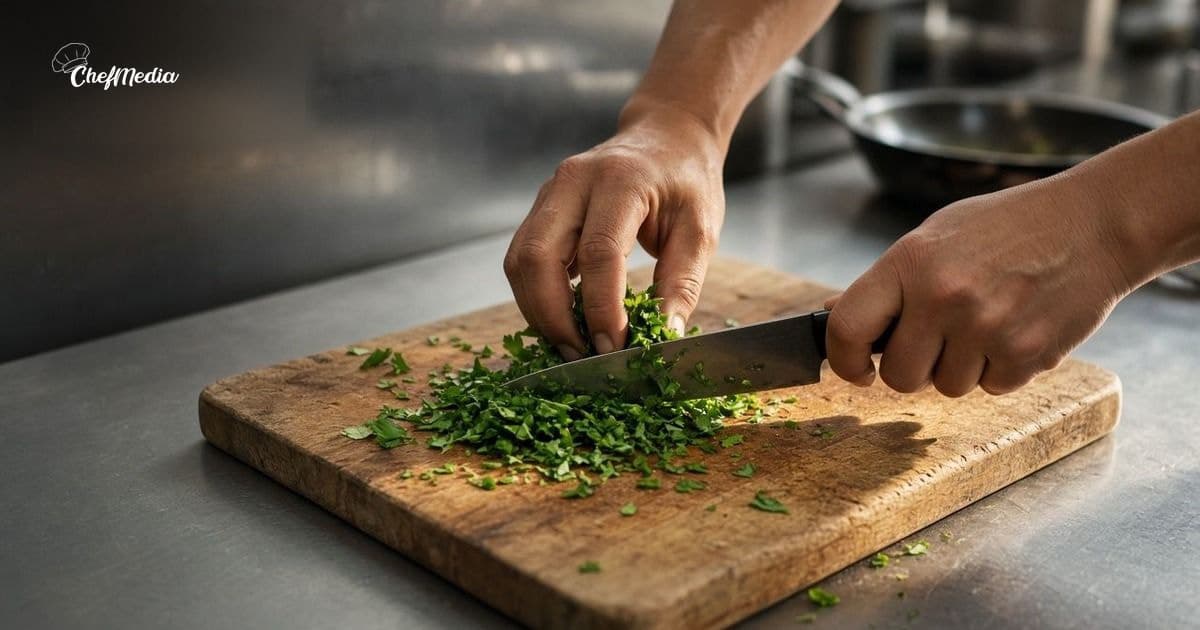
- One kitchen name, on a day the special is real. They shoot prep or the plate that is actually on the board. One station.
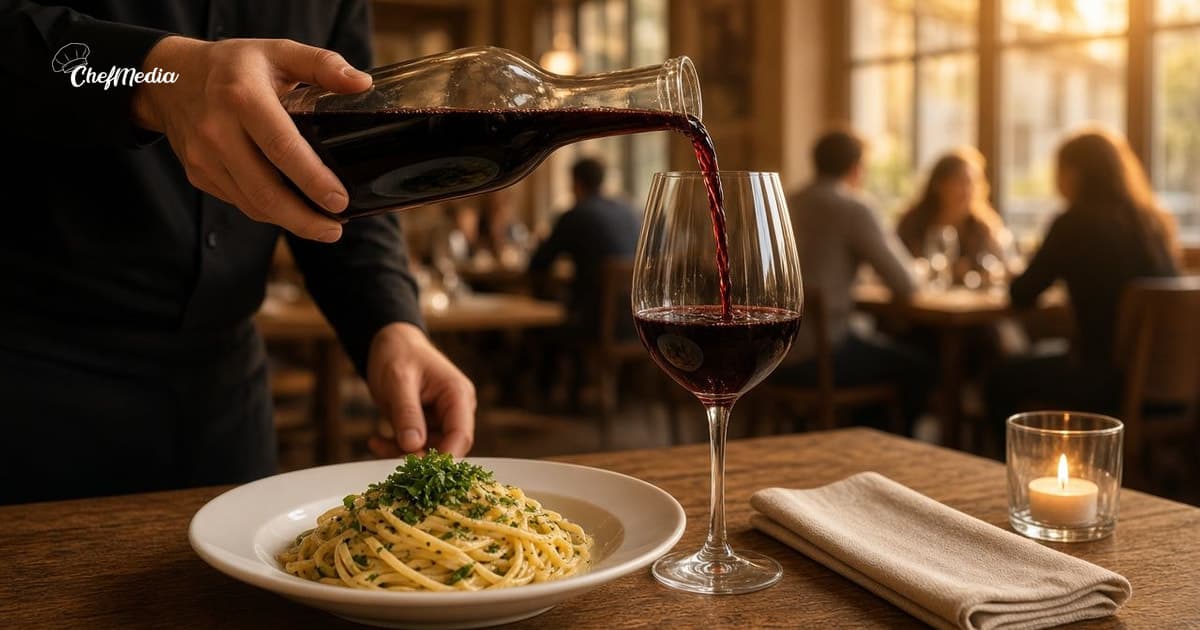
- One floor name, on a different day. They shoot the room, a pour, or the reset, between seatings. They wait if a table is waiting.
- One day with nobody's name. A closed day, a slammed Saturday, a shift where both sides are short. A blank day is part of the plan.
- Your name stays off the shooting list unless someone calls out. You look at the week. You do not carry the camera.
Put the kitchen post on a day you can still talk about the dish, often earlier in the week. Put the floor post later, when the room looks like the room people are deciding about. The photo can be from prep at 2. It can go out at 4. When to post is the clock. If you serve lunch, give lunch its own name on the days that service is open. Leave the lunch photo off the dinner crew's list.
Leave the words with the person who was there
The cook writes the kitchen post the way they talk at the pass. The server writes the floor post the way they talk at the door. Leave both lines in those voices. A shared slogan is how the habit dies.
Short rib is on tonight. We braised it this afternoon, and we will run it until the hotel pan is empty. Doors at 5.
Two tables by the window were still open around 6:30. Walk in if you are already nearby.
Those are two people. They should sound like two people. If every caption has to come back to you for a rewrite, they will stop writing, and the account is yours again.
Captions that sound like you is the same rule, for whoever held the phone. Name what is in the frame. Say whether a guest can still get it. Then stop. A face, a full name, or a "meet the team" line is a different post. Ask first: staff spotlights.
One look at the calendar
Once in the week, before you write the next schedule, look at what went out. Three checks.
- Did the named shift post, or is the photo still on their phone?
- Did the kitchen and the floor post the same plate, the same corner, or the same hour?
- Does any line promise a dish, a seat, or a time the house cannot keep?
Fix a promise that is wrong. Leave a true sentence alone. If a photo never got taken, move that name to the next open shift. Shooting it yourself teaches the team that waiting works.
If you want to see a post before it goes live, decide that once. An admin can set Posts need approval. That is a setting for the week, and it still lets the person who took the photo be the one who posts it. A lap through the office every night puts you back in the middle.
Hand them the job in one breath
The first shift does not need a brand guide.
- Shoot one thing you are already doing. A few frames. Keep the clearest one.
- If a guest is in the frame, ask. If a child is in it, leave it off the feed.
- If a label, a sign, or a vendor name is readable, move the phone.
- Write it the way you would say it to a regular. Post it to Instagram and Facebook, or leave the photo on the shared calendar, before you clock out.
- If the station or the section is buried, skip the photo. The table comes first.
How to shoot it on a phone covers the light and the frame. A two-minute look at last week's post is enough for lineup.
A week you can copy onto the next schedule
Move the days to match when you are actually open. This is a dinner room that takes Monday off.
- Sunday, off the line: write next week on the schedule. A kitchen name on Wednesday for the special. A floor name on Friday for the room. Tuesday blank. Saturday blank unless someone has a quiet minute and wants it.
- Wednesday, the named cook shoots and posts, or leaves the photo for the afternoon window. Their words.
- Friday, the named server does the same, with a different subject.
- Sunday again, you glance. A duplicate, a bad promise, or a name who never shot: that is all you change.
- The following week, rotate the names. The same cook every week is a camera, and the rest of the crew stops noticing.
Someone calls out, and the post moves to the next name. It stays off your list for the rest of the month.
What puts the phone back in your hand
- A login only you know. Then the team cannot post, and you do.
- "Someone grab a photo" in the staff chat, with no name and no shift.
- You rewriting both captions until they match each other.
- A pile of posts on the one afternoon you are off the line, then a silent weekend.
- A lineup photo because the week looked empty. That is a staff spotlight, and only if they said yes.
Names on the schedule, then step back
Pick the days. Put a kitchen name on prep or the special. Put a floor name on the room. Leave a day blank. Glance once at what went out. Next week, new names, same two jobs.
You are giving people who are already on the clock a two-minute job they can finish before they leave.
ChefMedia is social media posting, handled by your restaurant staff. Cooks, servers, and managers upload and post to Instagram and Facebook themselves from one shared calendar, photos are tagged by dish automatically, storage is unlimited, an admin can set Posts need approval, and Write caption with AI runs only when someone taps it. Free for every restaurant. Sign up at chefmedia.ai (opens in a new tab).