How to show menu prices before guests arrive
Diners look at the menu online before they come. Put the real price on the site, the listing, and the post so the bill is not a surprise.
They look up the menu before they look at the door
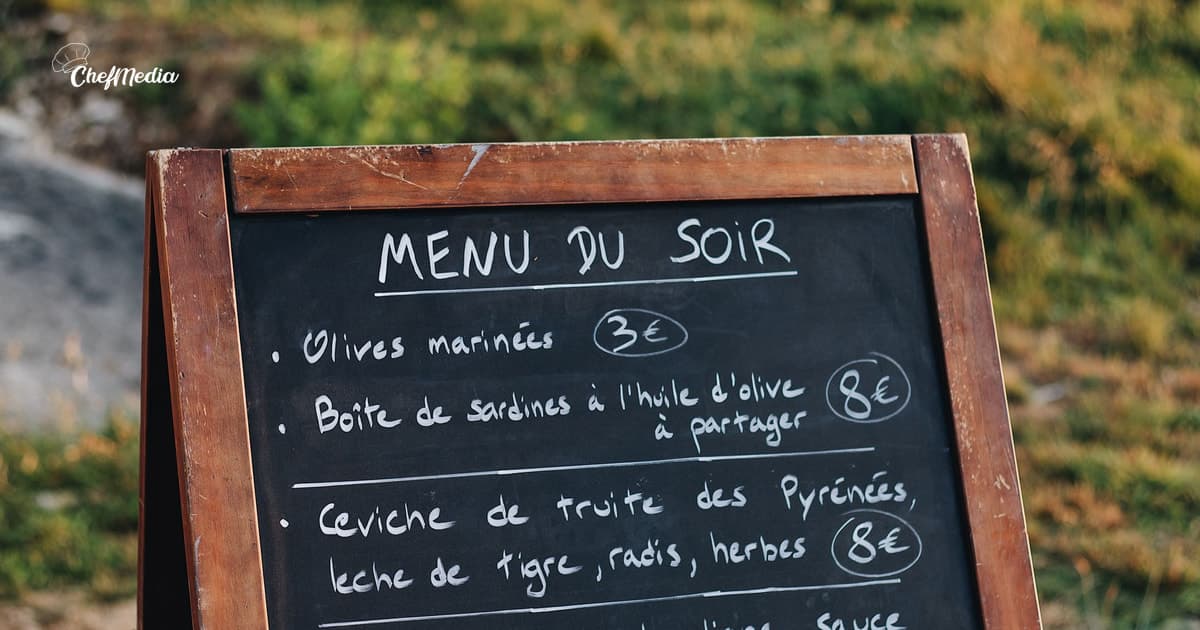
A neighbor is deciding on dinner from the sidewalk, or from the couch. They open the menu on their phone. If the number is there, they can say yes or no before they drive. If the number is missing, or it is last spring's number, they guess. A wrong guess shows up as an empty chair or an argument over the check.
In TouchBistro's 2024 American Diner Trends Report (opens in a new tab), a survey of 1,500 U.S. diners run with Maru/Matchbox from September 12 to September 21, 2023, 85% said they always or often look at the menu online before deciding on a new restaurant. The page they find is the first menu. It should be the one you would hand them tonight.
Put the same number in the three places they open
You do not need a pricing strategy. You need the price on the pass to match the price on the phone.
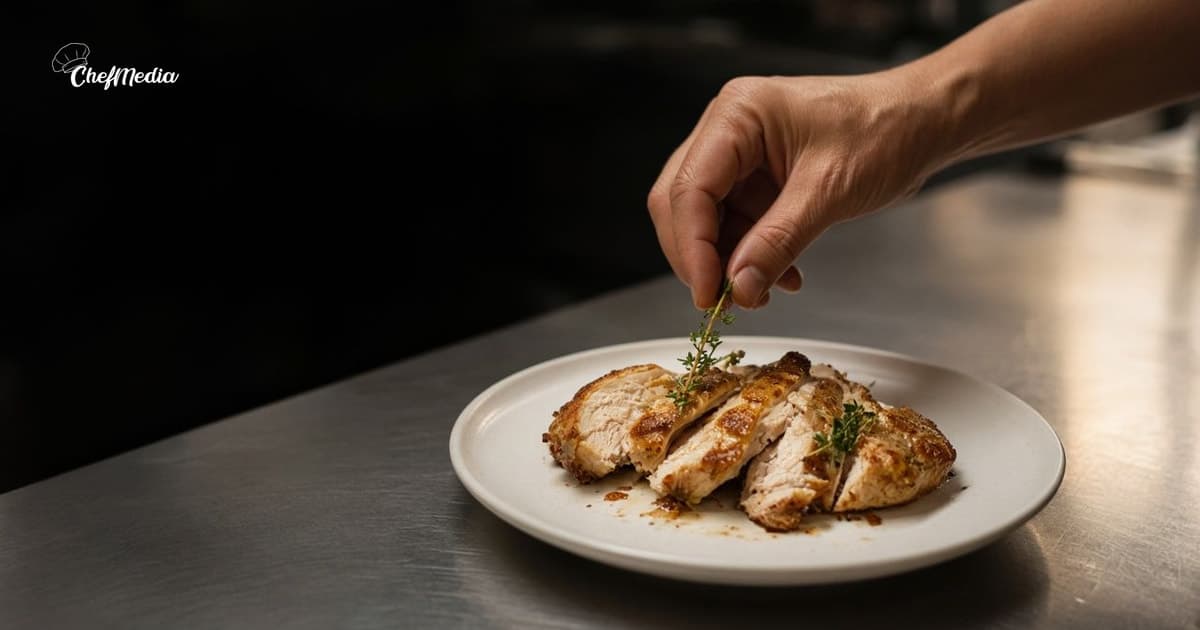
- The website. If the roast chicken is $28, the page says $28. Take off what you no longer cook. A PDF from March is how a guest learns the old price and quotes it at the host stand.
- The Google menu, which is what a lot of people open from the map pin. How to update your Google Business Profile is the menu editor. Those edits are not instant. Change the price before the day you need it to be right.
- The post, when you name a dish. The caption can carry the price the way you would say it at the door.
A caption that can go out as written:
Roast chicken is $28 tonight, with the potatoes. A few tables open at 6. Walk in, or call and we will hold one.
That is the whole post. The photo is the plate or the board. The number is the part that lets them decide. How to write a caption that sounds like the door is the rest of the voice. For this one, the price is one of the facts.
If you would not say "$28" out loud to a couple at the door, do not put a different number in the caption to make the dish sound like a deal.
Say the prices that usually surprise people
Some numbers never make the board, and those are the ones guests argue about.
- Market price. Say the range you would tell them at the table. "Oysters are market, $3 to $4 each tonight" is a price. "MKT" with no range is a shrug.
- A fee you charge every time. A split plate, a cake-cutting fee, corkage, an automatic gratuity for six or more. If it lands on every check of that kind, it belongs on the menu, in the same size type as the dishes.
- A special that costs more than the plates around it. Say so. People screenshot the post. Your server will hear the number you wrote.
- Lunch and dinner, if the prices differ. Do not leave one number up that is only true before 3.
Skip a price you have not decided. Leave it off until the kitchen has a number. Guests remember the first one they saw.
Change it everywhere on the same day
When the chicken goes from $26 to $28, change the board, the website, and the Google menu before service. One old price is the one someone will photograph.
If last month's photo of the board is still on Instagram, and the numbers moved, take a new photo or say the current price in the caption. Do not hope they will not zoom in. Shoot the board straight on, in real light, so the words can be read. A blur of chalk with no numbers does not help the person on the sidewalk.
Post it while they can still use it. When to post is the clock. A correct price sent after they have already cooked at home does less than the same price in the afternoon.
What to leave out
The lines that make a price post sound slippery:
- "Great value" or "affordable" with no number. They cannot decide on an adjective.
- Two prices for the same dish, one on the site and one on the board.
- A discount in the caption the server has not heard about. Tell the floor before you hit post.
- A photo of a menu from another restaurant, or a stock board, with prices you do not charge.
- Hiding the number because you are worried it looks high. The guest who cannot pay it is kinder to lose at home than at the table. The guest who can would rather know.
A post that never names the dish does not need a price. A post that names the dish and invites them in should include the number they will see on the check.
One pass before you post
You can finish the check with a coffee.
- Open the website menu next to tonight's board or the printed menu. Fix any number that does not match. Remove what is sold out for the week.
- Open the Google menu and do the same check. If the site is the menu Google is showing, fix the site.
- If you are posting a dish today, put tonight's price in the caption, in the words you use at the door.
- Read it out loud. If you stumble on the number, the line is too cute. Say it plain.
- Tell whoever is on the floor what you promised, especially if it is a special price or a fee.
Then stop. You do not need a new price graphic. You need the number to be true when someone reads it on the sidewalk.
The number is part of the invitation
You are letting a neighbor decide before they park.
Put tonight's price on the site, on the listing, and in the post when you name the dish. If the three disagree, fix them before service.
If the blank caption is what stalls you, ChefMedia can draft the words from your restaurant's website, so a price that is already on the menu can show up in the sentence. You still read the number. A draft does not know you raised the chicken two dollars this morning.