Put photo duty on the restaurant schedule
Write who shoots beside who works the grill. One named person per shift, one shot, Posts need approval on until they are steady.
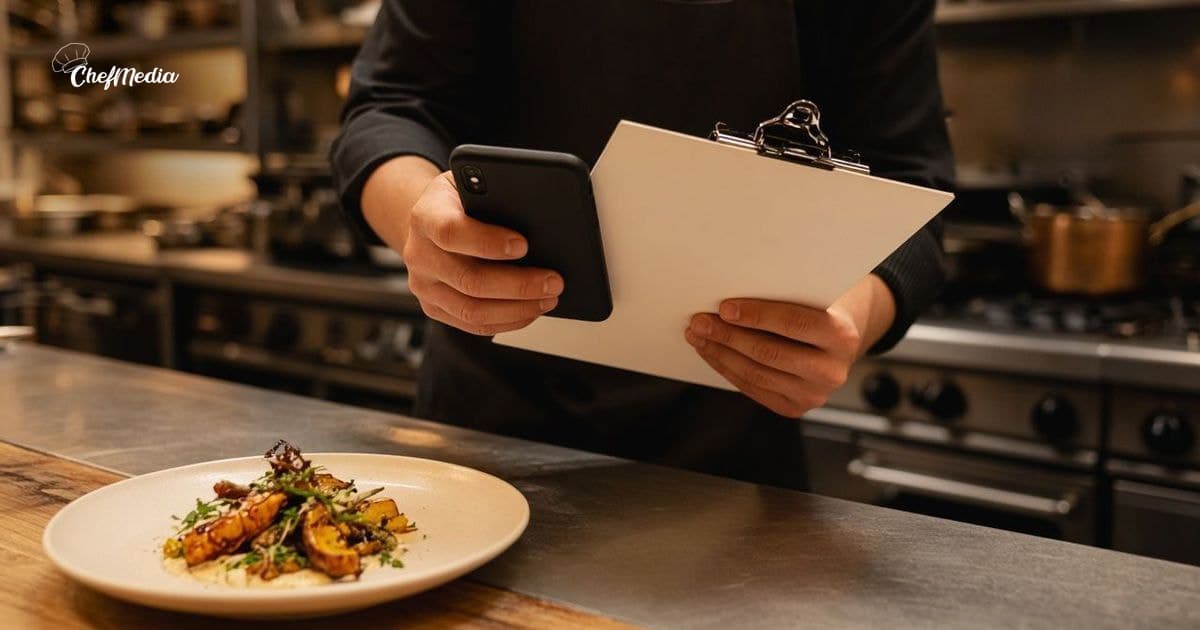
The sheet names the grill. It does not name the photo.
You already print who works grill, expo, bar, and host. You tape it by the pass or pin it where people clock in. Everyone looks at it before service. Posting never makes that sheet, so the photo stays on your phone, between tickets, if you remember.
Who shoots which kind of post across the week is a different note: split the week's posts across the team. This is the line on the paper you already write.
Write one photo name on that same sheet
Under grill, expo, bar, and host, add Photo and one name. One person for that shift. Not "the team." Not you, unless someone called out and the sheet has nobody else.
- Lunch has one name. Dinner has one name. If you run both, they can be two people.
- Rotate it the way you rotate expo. The same name every day becomes the camera, and the rest of the crew stops reading the line.
- Photo is a duty on top of the station they already have. It is not a job that pulls them off the grill. One shot, then back to the tickets.
Write it in the same handwriting as the stations. A separate note in the office is how the duty disappears. People look at the schedule. They do not look for a second piece of paper.
One shot, from the station they are already on
The name does not get a shot list. They get the thing in front of them.
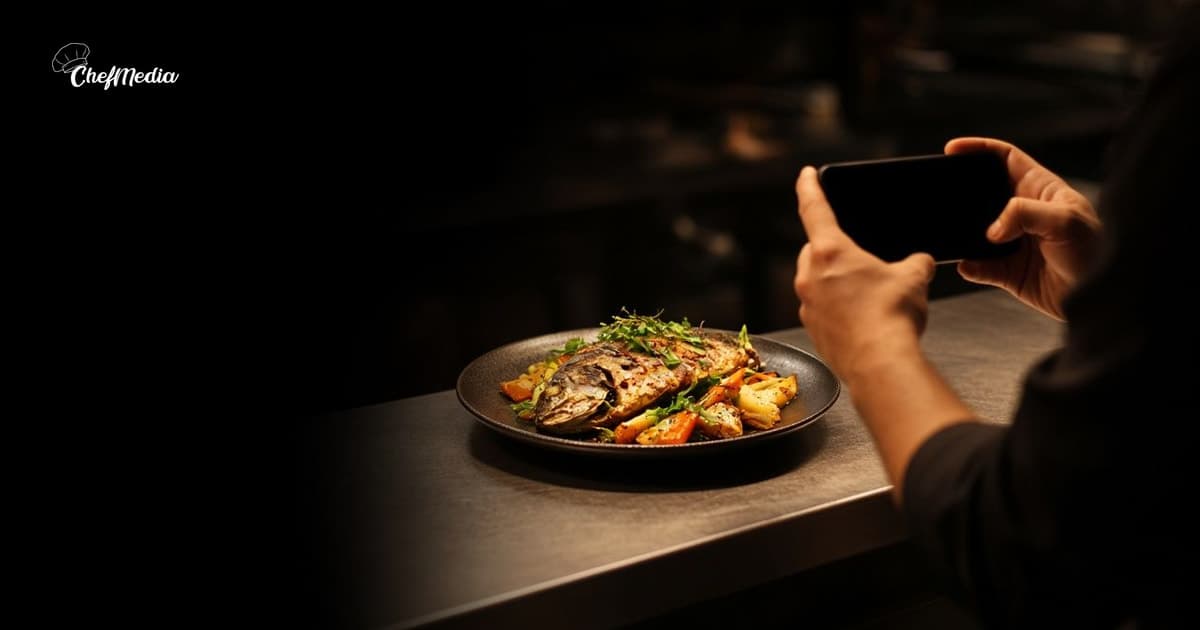
- A cook shoots the plate at the pass, or one station during prep. Behind-the-scenes posts is the longer list. The schedule assigns one frame from it, not the whole list.
- A server or the host shoots the room, a pour, or the reset between seatings. Moments from the floor is the rest. This shift, one of those.
- A new hire can be the name after the day-one walkthrough, once they have their own login: posting in the first week. Do not put them on the sheet before that.
Five frames. Keep the clearest one. If the station or the section is buried, they skip it. The table comes first. A blank shift is part of the sheet, the same way a slow Tuesday still has a grill name and no special.
The house rule, under the photo line
Keep it short. It lives on the schedule, so it has to fit.
What is fair:
- The one subject their station already has.
- Hands, the plate, the room.
- A caption that names what is in the frame and says whether a guest can still get it. Then it stops. Captions that sound like you is the same rule, for whoever held the phone.
What stays off:
- A guest's face, unless that guest already said yes. Silence is a no. If a child is in the frame, leave it out.
- A messy station. Tickets up, a spill, the line buried. You are not there to explain it. Skip it.
- A check, a card, a reservation book with names on it, or a label you can read.
- A line that promises a dish, a seat, or a time the house cannot keep.
The squash, the way it left the pass tonight. It is on until we are out. Doors at 5.
The room before we unlocked. Walk-ins from 5. A few tables are still open.
They upload it. You approve until the name is steady.
The person on the sheet adds the photo and writes the line. They can post it to Instagram and Facebook themselves, or leave it on the shared calendar for the afternoon. A plate from prep at 2 can be set for 4, if the dish is still on. When to post is the clock. Do not ask them to shoot while a table is waiting.
Set Posts need approval on before the first week you put names on the sheet. You look at it, or an admin who is in the building does. A manager who is not an admin cannot approve, so either make them an admin or keep this step yourself. The post does not go to Instagram or Facebook until that approval.
Check three things.
- Is it one shot, from the person whose name is on the sheet?
- Is a guest's face, a messy station, a check, or a readable label in the frame?
- Does the line promise something the house cannot keep?
If it is fine, approve it. Do not rewrite it until it sounds like you. A rewrite every time teaches them to wait, and a post that waits for a rewrite is your post again.
When that name calls out
Move Photo the way you move grill. Cross the name. Write the next person who is already on that shift. Do not leave the line blank and shoot it yourself. Shooting it yourself teaches the crew that the line on the sheet is optional.
If you are the only admin and you will be out, name who approves before you leave. The days you are away is the same decision. Do not decide it from the car.
When to loosen it
Turn Posts need approval off for a person after a few posts that needed no change. Not on a calendar date. On the work.
Three posts you approved without a fix is enough. Or one quiet week where the only note was that the sentence was true. Then they upload and post to Instagram and Facebook themselves. You still look at the sheet the way you look at stations: did the named person shoot, or is the photo still on their phone?
Leave it on longer if they keep framing a guest, a spill, or a label. Say what was wrong, on the next shift, in one sentence. Do not take the phone back and shoot it yourself.
How to write next week's sheet
- Grill, expo, bar, and host, the way you already do.
- Photo: one name for that shift. A different name on the next sheet.
- One shot. Skip it if the station or the section is buried.
- Posts need approval on until that name is steady.
- If they call out, move the name. Your name stays off the line unless the sheet has nobody else.
Then the phone is on the schedule
You already print who works the grill. Write who shoots on the same paper, one name per shift. The photo stops living in your apron because the assignment is where everyone already looks.
ChefMedia is the free app that makes social media easier for restaurants. Cooks, servers, and managers upload and post to Instagram and Facebook themselves from one shared calendar, photos are tagged by dish automatically and kept in photo storage, an admin can set Posts need approval, and Write caption with AI runs only when someone taps it. Free for every restaurant. Sign up at chefmedia.ai (opens in a new tab).