How to write a restaurant Instagram bio that books a table
Name the food, the neighborhood, and how to book. A restaurant Instagram bio should work like the sign on the door.
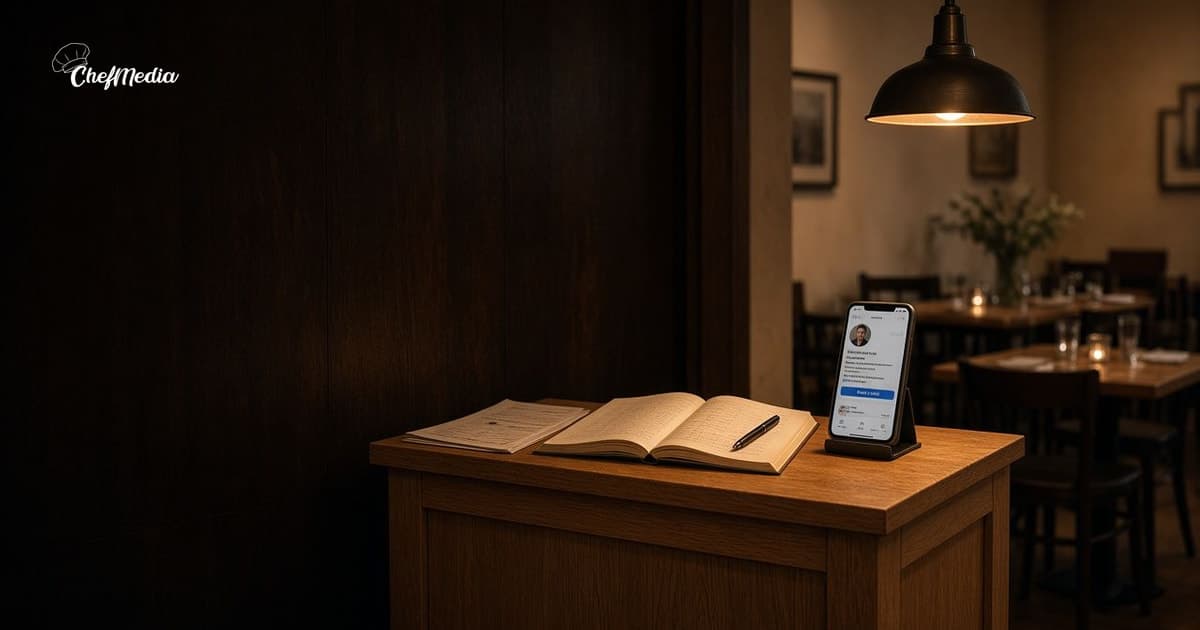
They tap your name and still do not know how to come
Someone likes the pasta photo. They tap the name. The bio says "Food. Friends. Flavor." The link opens the homepage, and the menu is three taps down. They go back to the grid.
The bio is the line you would say if they asked what you cook, where you are, and how to get a table. It stays up after the post scrolls away. A slogan does not put them in the car.
Instagram's help center (opens in a new tab) says you can write a bio of up to 150 characters, and anyone can see it. That is about two short sentences. Use them for facts.
Say the food, the place, and the next step
Open the profile on your phone, the way a neighbor would.
- The food, in the words you use at the door. "Wood-fired pizza and pasta" beats "a culinary experience."
- The neighborhood, or the street they already know. If they cannot tell which town, they will not drive.
- How to come. Walk in, call, or book. One path.
- Hours only if they fit, and only if they match the door. The Google card has to agree. A bio that says open Tuesday, on a listing that says closed, sends someone to a locked door.
A bio that can go up as written:
Wood-fired pizza and pasta on Oak Street. Dinner from 5, closed Monday. Walk-ins welcome. Book a table below.
That line fits under the 150-character limit. If yours does not, cut the slogan, not the street.
The photo under a post still does the looking. How a caption sounds like the door is that job. The bio is the sign that is there when the photo is a month old.
Point the first link at the thing you named
Adding a website is done in the Instagram app, on the phone, not from a computer. Instagram's help page (opens in a new tab) says the feature is not available on a computer. Open your profile, tap Edit profile, then Links, and add the page. Give it a title a person can read: "Book a table," "See the menu," or "Order pickup." A raw web address is not a title.
You can add more than one. Put the path you named first. Tap it yourself before you leave the screen.
- If the bio says book, the first link should open the booking page, not a homepage they have to hunt through.
- If you mostly do pickup, the first link is the order page or the phone. A takeout post still has to name the door. The bio just has to get them to the order.
- If the menu is what they check before they come, link the menu on your site. The price on that page should be tonight's price.
- A second link is fine when you truly have two jobs, like a menu and a booking page. A row of gift cards, a podcast, and a press kit is a lobby. They came for dinner.
The name on the profile is the name on the sign. Leave the tagline out of the name. The username should be something a person can spell after hearing it once. If the sign says Oak Street Pizza, do not make them guess @bestpieintown.
The profile photo should be the sign or a plate you would recognize from the sidewalk. How to shoot that plate is the habit. A dark logo on a dark square tells them nothing.
If you also have a Facebook Page, the About text and the button should name the same food, the same neighborhood, and the same way to come. Two doors that disagree is how a regular calls the wrong number.
What to leave out
A bio fails in a few familiar ways:
- "Best pizza in the city." They cannot book a superlative.
- A stack of emojis where the neighborhood should be.
- Hours that do not match the door or the Google card.
- A link to the homepage when the menu or the booking page has its own address.
- A private account. If they cannot see the photos, the bio does not matter.
- A link page with a dozen buttons when you only need one or two. Extra choices are how a hungry person gets lost.
If you are closed Monday, the bio should say so. The neighbor who drives over will trust the next note less.
Fix it before the next post
You can do this at the host stand, on the phone you already have.
- Say out loud what you cook, where you are, and how to come. Write that. If it does not fit in the bio, cut a phrase, not the street.
- Read it next to tonight's hours and the Google card. If Tuesday is wrong, fix Tuesday.
- Open Links. Title the first one for the path you named. Paste that page, not the homepage, unless the homepage is actually the menu.
- Tap the link from the profile. If it opens a PDF you have to pinch, or a page with no way to book, change the page.
- Look at the profile photo in daylight. If you would not know it was your place, use the sign or a plate.
Then stop. You do not need a new theme. You need the next person who taps your name to know how to show up.
The bio stays when the post scrolls away
A caption sells tonight. The bio is there tomorrow, when someone finds an old photo of the ragu and wants a table.
Say the food. Say the neighborhood. Point one link at the way you actually book or order.
If the posts that send people to that profile are what stall you, ChefMedia can draft them from your restaurant's website so the dish and the way to come start in your words. You still write the bio. A draft does not know the door is on Oak, or that you only take walk-ins after 8.